Organize tabs with AI
Too many tabs? Let AI organize them.
Let AI group, pin, and close dozens of tabs in one click.
How it works
Three steps to a clean Chrome
Open Manage Tabs
Open the TabBrew side panel on any window.
Let AI decide
Pick “Group them” — AI sorts your tabs by topic.
Apply in one click
Preview the groups, then organize everything instantly.
Everything you need
One toolkit for hundreds of tabs
Let AI decide
One click to organize. AI reads your tabs and groups them by topic — no prompts to write.
Tab Filter
Type a keyword to filter every open tab instantly.
Tab Sidepanel
A clean vertical list of every tab, right from your toolbar.
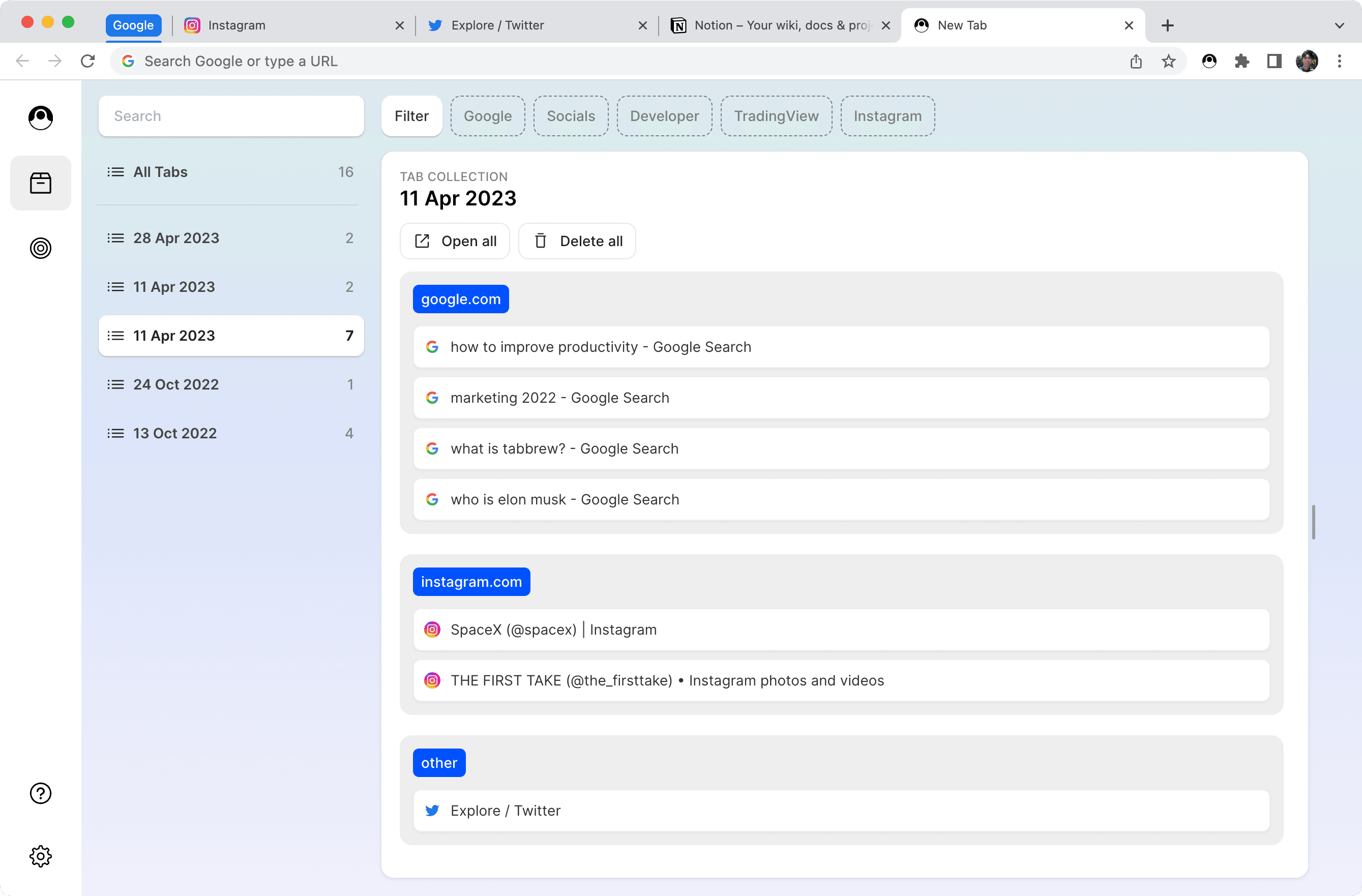
Tab Stash
Tuck away tabs you don’t need now. Restore them anytime.
Super Tab
Bind related tabs to a hub. Keep a research thread together.
Tab Memo
Leave a note on any website — it’s there every time you come back.
See every tab. Find any tab in a second.
Group tabs into collections by project or topic. Never lose your place.
Reclaim your Chrome today
Stop dragging tabs one by one. Let AI clean up — free, no signup.
Add to Chrome — it’s free